


Featured Resource
SchoolStatus Launches Literacy Solution to Help Districts Engage Families in Improving Reading Outcomes
Read More >

SchoolStatus Launches Literacy Solution to Help Districts Engage Families in Improving Reading Outcomes
Read More >
Key Attendance Trends from the 2025-26 School Year: Insights from 1.1M Students
Read More >
Student reading progress thrives when learning is reinforced at home. While most families want to help, they often don’t know where to start. SchoolStatus Literacy bridges this gap by automating data-informed outreach that keeps every household updated on progress with actionable ways to support reading outside the classroom.
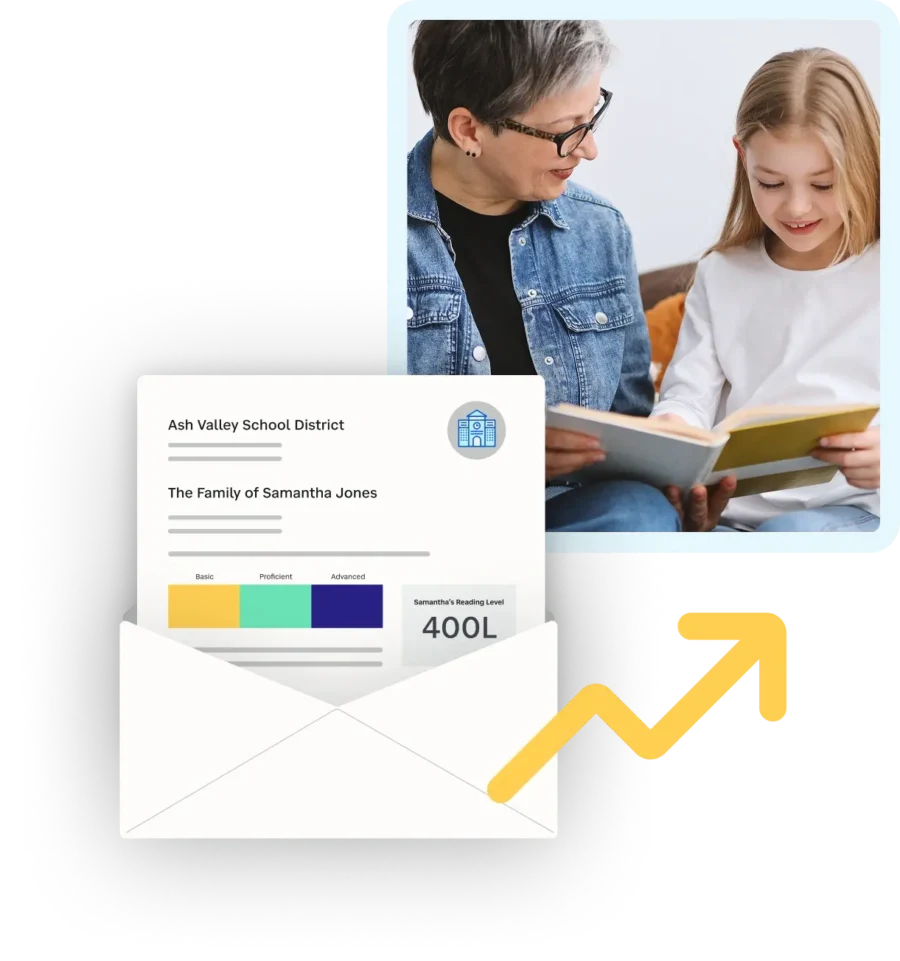
Research consistently demonstrates that the home literacy environment plays a critical role in shaping children’s early language, reading, and writing development. Educators and families have the shared power to create rich, meaningful literacy experiences across both home and school settings.
Courtney Hayes, Reagan Murnan, & Sandra BequetteFamily, Culture, and Literacy: Unlocking the Power of Home for Early Literacy Achievement
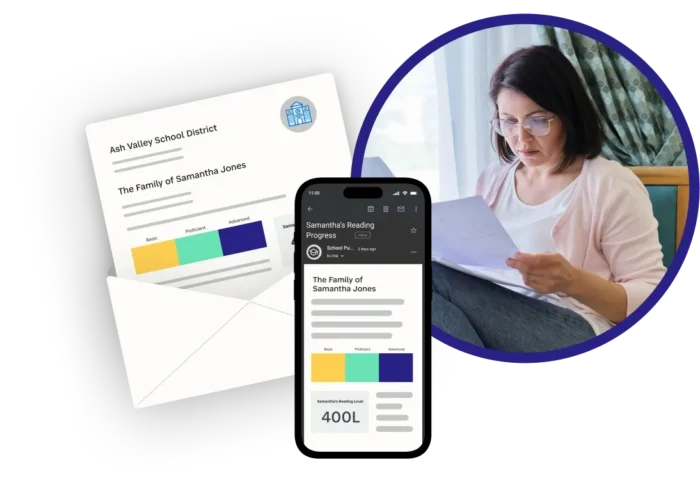
When sharing literacy scores is a chore, it doesn’t get done. SchoolStatus integrates with assessment platforms to send personalized updates that show families their child’s scores and reading level. Even better: we send communication for you, through the mail and digitally.
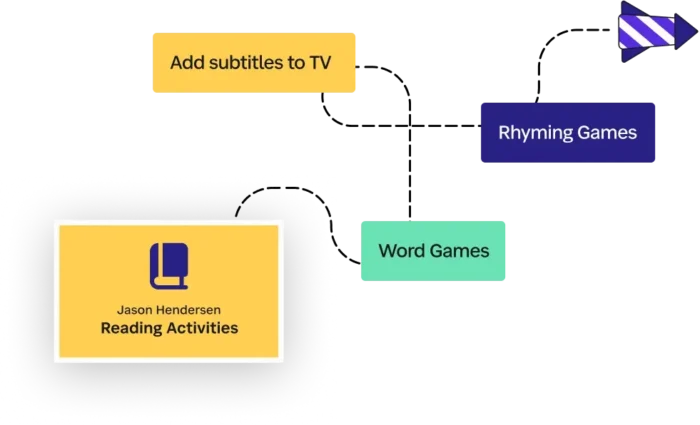
Families want to help increase reading proficiency; they just need to know how. Each message from SchoolStatus Literacy allows you to connect families with district created resources. Share activities families can do at home and other opportunities to support reading growth. When families have the tools to help, they become your most valuable partners in literacy initiatives.
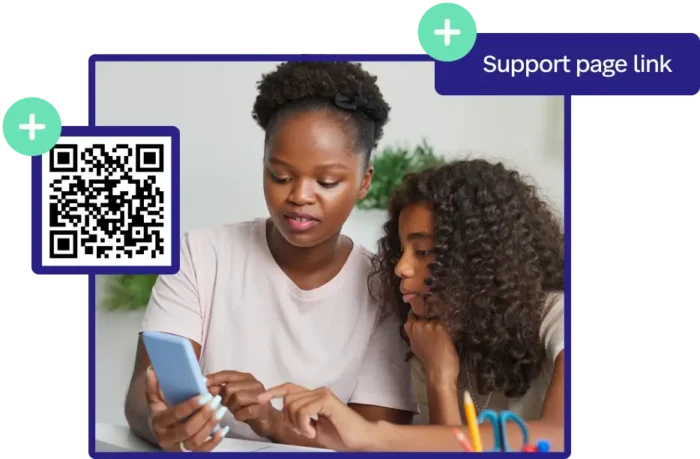
Literacy initiatives fail when parents aren’t informed about them. SchoolStatus Literacy makes it easy for districts to get the right resources to all families. Easily add QR codes or links to guide families to specific district tools and support pages.
Learn how you can deliver personalized outreach to families >

Literacy and attendance go hand in hand. Students with low literacy scores are more likely to be chronically absent, and that absenteeism drives literacy scores even lower. Without a plan to increase family communication about student reading progress, one in four students will continue to miss school frequently.
Meet with a member of our team to craft a plan that includes both literacy and attendance >
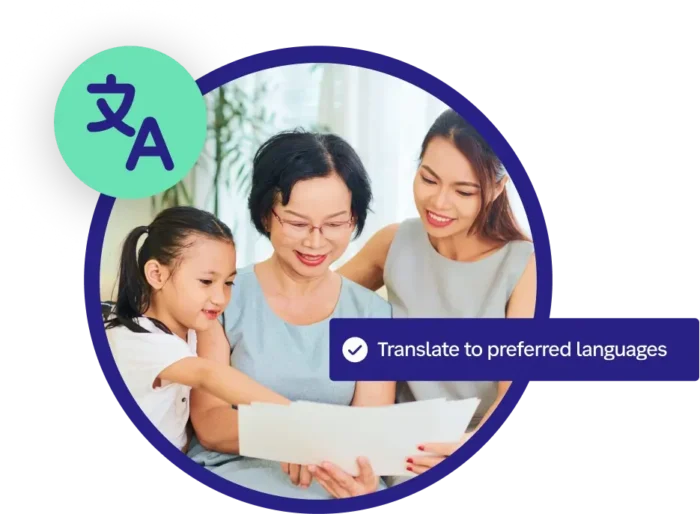
Language should never be a barrier to a student’s progress. We translate literacy messages into each family’s home language, ensuring everyone has the personal insights they need to stay in the loop and support their child’s journey.


Families are key partners in increasing reading proficiency. SchoolStatus helps ensure families have the information they need to promote literacy at home, with easy-to-understand messages that show each child’s reading progress and recommended activities families can do at home (based on district resources). With the right information, families can help accelerate student reading progress.
SchoolStatus syncs with existing assessment platforms to bring in literacy scores and send personalized updates to families. Communication can be delivered via physical mail or digitally, including email and text messages. In practice, this means you can get information out to families without burdening your staff.
Yes, we have multiple versions of our literacy messages to ensure families get the information they need to help their specific kid. Since messages include links to the resources your district already uses, families can click on the information that matches their child’s grade level or school site.


