Messaging and Communication are Not the Same Thing
read more

New Book Gives District Leaders a Practical Framework for Improving Chronic Absenteeism—and a Comprehensive Look at State-Level Attendance Policies
Read More >
Key Attendance Trends from the 2025-26 School Year: Insights from 1.1M Students
Read More >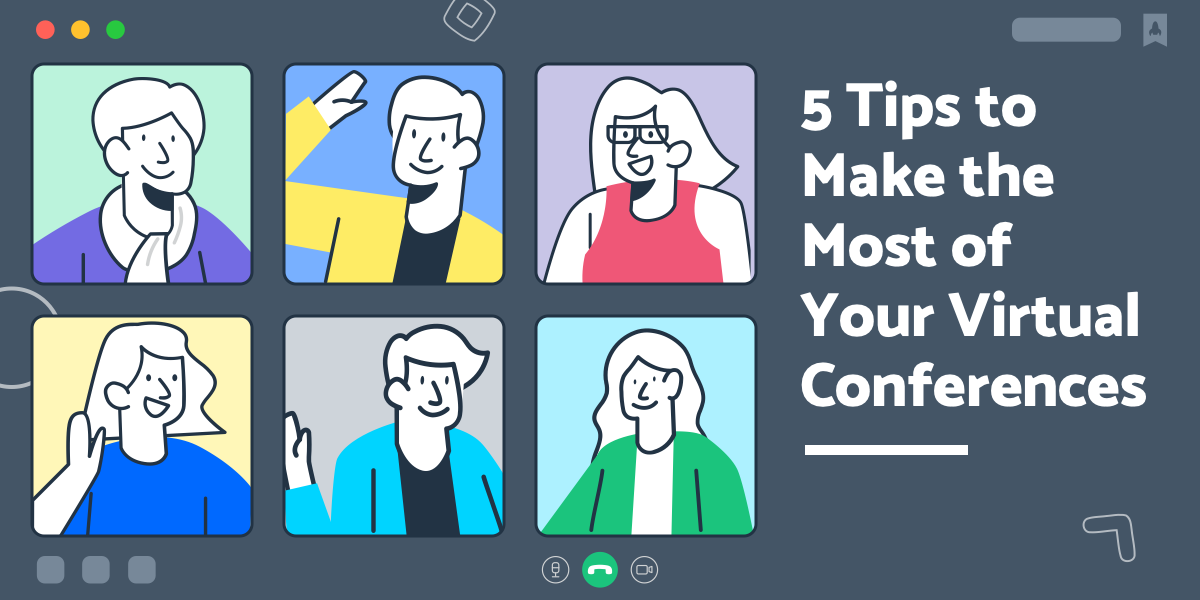


While in-person conferences and PD can have a lot of advantages, Brandy Alexander, elementary instructional specialist in the Houston, TX area, believes you can still get the same relationship and connection-building benefits during virtual conferences. Read her five suggestions for knocking your next virtual event out of the park. ⚾
T
his year, educators around the world have been impacted by changes to almost every aspect of their position. One of the more challenging differences for me personally was the switch from in-person to digital conferences and summer professional development.
I often plan (and spend) my entire summer at my favorite state and national conferences, traveling to new places and seeing colleagues and friends from around the country. It always fills my cup and recharges me for the year ahead. This year looked a little different, as most educational conferences and professional development opportunities were moved online, a trend that appears to be continuing through the 2020-2021 school year.
On the plus side, we are safer—and hopefully healthier—this way and we have a great opportunity to learn new techniques and hone our craft. Below are a few tips to help you when your conferences go virtual, allowing you to continue building relationships and seek professional opportunities in a digital capacity.
If you’re at home, it can be difficult to feel like you’re really “at” a virtual conference. I began by keeping my morning routine as consistent as possible with any other regular day: dressing, dog walking, brewing coffee, filling my water bottle, and laying out my laptop, notebooks, and pens.
I found that I needed to prepare ahead of time by clearing my schedule—just like I would for an in-person conference or training. For a conference lasting for many hours, I needed to crate my pet (especially if I was presenting), and even rearrange my workspace to make a comfortable area for my own learning, making sure that my background looked professional.
I also learned the etiquette of virtual conferences quickly. I made sure to silence my phone, turn off my television, and sometimes even wear headphones to drown out normal house or neighborhood sounds so I could keep my attention on the learning at hand.
Not all conferences and trainings are run on platforms that allow for video, but when they are, be sure to turn on your camera! While on camera, make sure to use nonverbal cues with your presenters—nodding your head, giving thumbs up when they ask questions and giving snaps and claps for great audience participation. Keep yourself on mute when you’re not talking, but use nonverbal cues to encourage the presenters and communicate your interest in the material.
That being said, when your camera is on, you need to be aware of what people can see! As I was presenting for a leadership training seminar this summer, I noticed participants in workout gear, bedroom headboards as they lay in bed, and more. We may still be at home when we sign on, but the time allotted for professional development and training is for a professional purpose and we have to treat it as such. Imagine how you would dress for in-person training, and continue those same practices even if you’re sitting at home.
When presenters move into a virtual space it can be very intimidating. It’s especially difficult for presenters who use audience feedback to move their session forward: Watching someone ask a question to their virtual audience, stare at a blank chat screen or wait for a person to unmute can be excruciating for both presenters and audience members. So, I’m challenging you to be the session hero! This form of leadership is helpful to all, and is good training for your role too.
Nothing communicates your interest and appreciation like a thoughtful question at the end. Throughout the years, I’ve found that asking a question during the session, and introducing myself to the speaker afterwards helps them remember me much better. It has helped me build new relationships quickly, even with established experts in the field.
When my name shows up in their email inbox, they’re more familiar with who I am, and I have a better chance of getting a response. This was extremely helpful when I was in graduate school and needed quotes and interviews for assignments and academic writing!
Pro tip: Make sure to introduce yourself before you ask your question. For instance, “Hi, I’m Brandy Alexander from Houston, Texas. I really enjoyed your information regarding ____, I was wondering about…”
At an in-person conference, I love getting to speak with attendees of my sessions, presenters of sessions I attend, and the many conference hosts that work so hard to arrange the events. I often take selfies with them and get books signed. I am always posting my appreciation on Twitter too. Just because an event takes place online, doesn’t mean that these same things can’t happen—they just look a little different!
This summer, after a session, I made sure to thank the presenter and the moderators in the chat features of the platform. For moderators of my own panels or sessions, I made sure to send personal emails thanking them for all the help and support. Each virtual presenter I saw this year had their email included in their slides. I made sure to write to each of them, and got many responses. This was an easy, quick way to start building relationships with other educators, researchers, and even some of my personal education heroes.
Not only do presenters usually share their contact information, they also share their social media so you can connect. Most presenters will encourage you to reach out via social media, so be sure to give them a shout out. This could be a quick thank you, a take away from the session, or an a-ha! moment. This can easily get you connected to their online network, too.
Pro tip: Coaches, if you’re presenting a session and someone gives you a Twitter shoutout, make sure to reply with a kind personal tweet back. When someone takes the time to send you a note on social media, it’s the polite way to acknowledge them, and it also helps them build their network as well.
Conferences and professional development sessions may look different going forward but that doesn’t mean you can’t get the same in-person benefits of building relationships and making connections across the globe. Let’s stay positive and continue to spread that energy to our colleagues throughout our digital spaces.
Brandy Alexander is an elementary instructional specialist in the Houston area. Previously, she taught second and third grade for seven years, and worked in the education policy field. Brandy has her bachelors degree at the University of North Texas and a Master of Education Administration from the University of Texas at Austin.
Outside of her daily job, she presents workshop sessions at national and state conferences, serves as a board member for the West Houston Area Council of Teachers of English, and is Director of the Community Involvement Committee for the Texas Association of Literacy Educators.
Follow her on Twitter at @ReaderLeaderBSA!
{{cta(‘352a410e-db79-4f33-a482-d301e8041965′,’justifycenter’)}}
 SchoolStatusSchoolStatus connects educators and families around the topics that matter most. The company partners with K–12 districts to improve attendance, engage families, and build trust so students can succeed. A recognized leader in data-driven attendance and family engagement solutions, SchoolStatus enables districts and educators to engage families with relevant, timely communications and proactive support on important topics including absenteeism, literacy progress, and overall student readiness. Today, SchoolStatus supports districts in all 50 states and serves more than 22 million students nationwide as a trusted partner in driving better student outcomes.
News, articles, and tips for meeting your district’s goals—delivered to your inbox.