What 146 Districts Taught Us About Getting Kids Back to School
read more


New Book Gives District Leaders a Practical Framework for Improving Chronic Absenteeism—and a Comprehensive Look at State-Level Attendance Policies
Read More >
Key Attendance Trends from the 2025-26 School Year: Insights from 1.1M Students
Read More >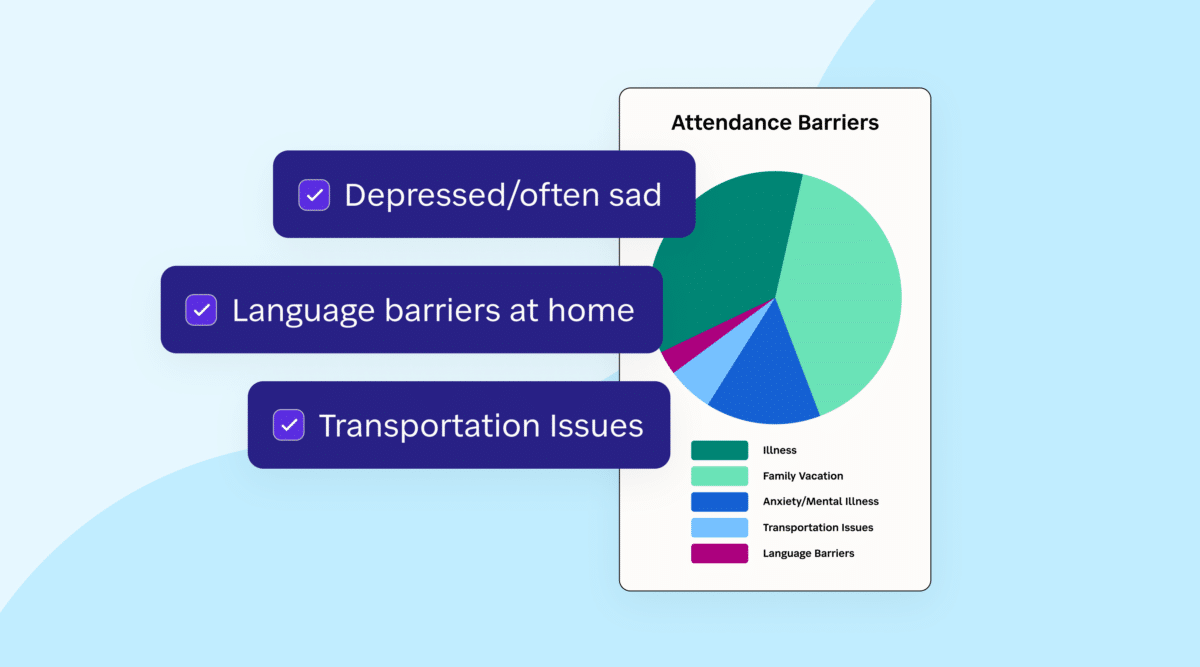

Districts across the country have gotten good at sending an absence alert. But that text only tells families their child was marked absent. You don’t know if the student is sick, struggling, or slipping away. And without that context, it’s nearly impossible to step in before one missed day becomes a pattern.
For district administrators, that gap is a real problem.
Launching for back-to-school 2026, Daily Attendance Notifications is the newest feature in SchoolStatus Attend, a proven attendance solution that helps districts move from reacting to absences to proactively reversing them.
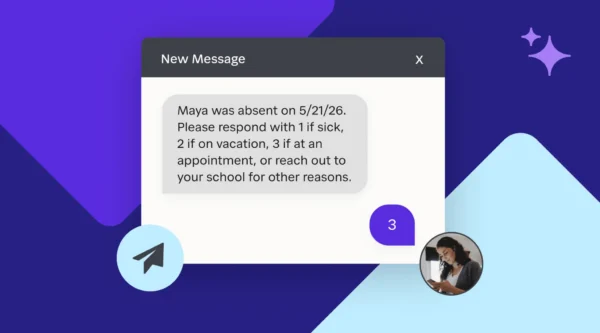
Daily Attendance Notifications sends families a text when their child is marked absent and invites them to reply with the reason, giving your team the information you need.
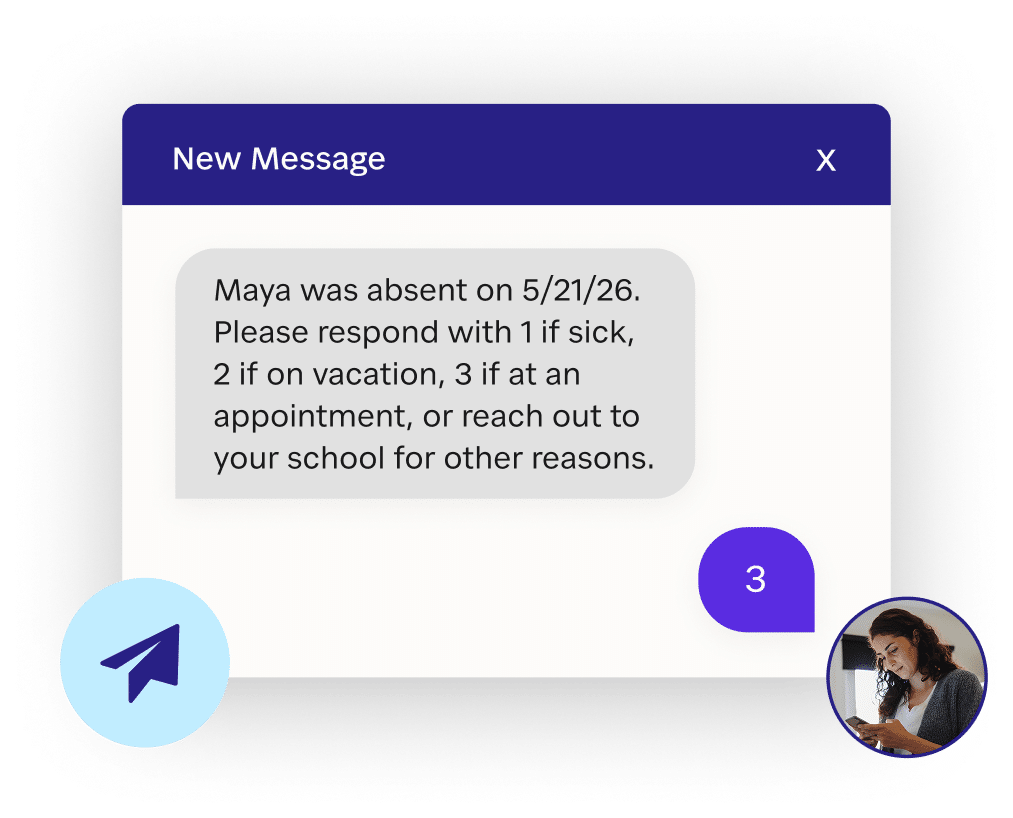
SchoolStatus Attend integrates directly with your Student Information System, allowing you to send notifications without changing your existing workflow.
Chasing down absence reasons is one of those administrative tasks that quietly consumes hours every week. Staff field phone calls, sort through paper notes, manually update records, and still end up with incomplete data. Daily Attendance Notifications automates that loop, allowing families to provide the absence reason digitally.
That reclaimed time frees educators to focus on what actually moves the needle: having meaningful conversations with the families who need support.
When absence reasons flow in at scale: patterns emerge. Daily Attendance Notifications aggregates family responses at both the school and district level, giving administrators a view of what’s actually keeping students home.
If a Director of Student Services sees that a significant share of absences across a cluster of schools is tied to transportation issues, they can redirect resources accordingly, before those barriers harden into chronic absenteeism. Whether the root cause is illness, safety concerns, or student disengagement, you finally have the data to respond strategically rather than anecdotally.
Daily Attendance Notifications gives partner districts another powerful tool to improve attendance. But it’s most effective as part of a connected system. Beyond the first absence conversation, districts have access to even more to meaningfully reduce chronic absenteeism, including:
Daily Attendance Notifications start the conversation on day one. The broader solution ensures educators know which families need deeper conversations and have the tools to facilitate them.
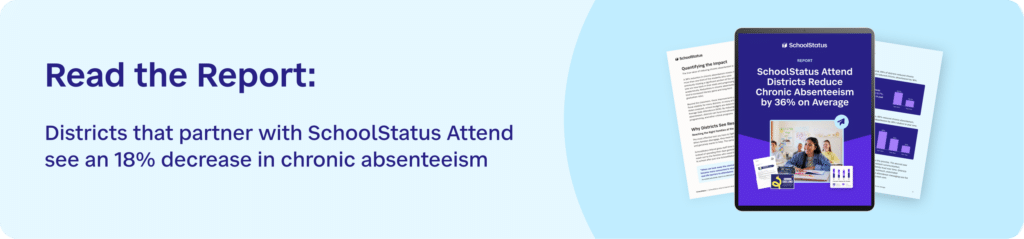
Daily Attendance Notifications is launching for back-to-school 2026. The new feature will help your district turn routine alerts into meaningful, actionable data. Request a demo to see the complete SchoolStatus Attend platform in action.
Daily Attendance Notifications is a feature in SchoolStatus Attend that automatically sends families a text when their child is marked absent and invites them to reply with the reason. Those responses flow directly into a centralized dashboard, giving school and district staff real-time visibility into why students are missing school — without any manual follow-up.
SchoolStatus Attend connects directly with your SIS, so there’s no change to how educators take attendance. The system pulls attendance data automatically and triggers notifications from there. Office staff can review the outgoing notification list and suppress any alerts where the absence reason is already known before texts are sent.
When absence reasons are collected at scale, patterns emerge that would otherwise go undetected. The platform aggregates family responses at both the school and district level, so administrators can see whether absences are being driven by transportation gaps, health barriers, safety concerns, or other systemic issues — and direct resources accordingly.
Nef DukesManager of Education Strategy and Insights
Nef is a former teacher who is passionate about helping educators use data and communications to build family trust and improve educational outcomes. At SchoolStatus, Nef partners with districts to share practical insights and stories about what works in schools today.
News, articles, and tips for meeting your district’s goals—delivered to your inbox.















Ready to learn more about our suite of solutions?